


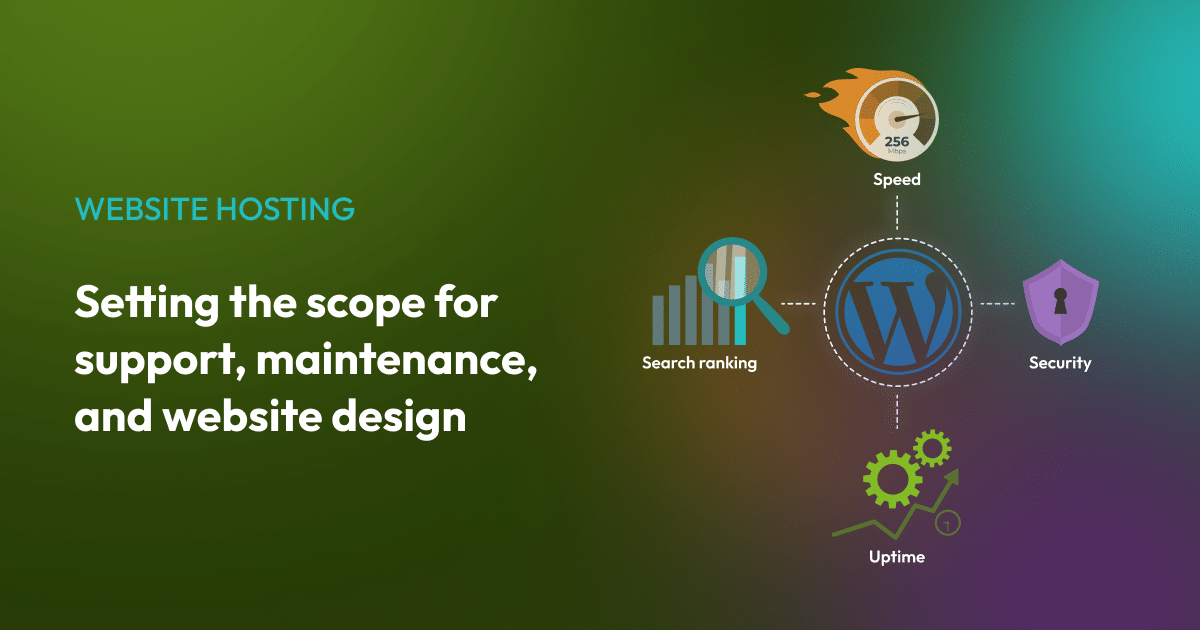


Yes, it’s entirely possible to transfer a website to a new host.
Website hosting should be able to adapt. As a business strategy evolves and website design requirements change, the infrastructure supporting the website needs to scale too.
Transferring hosting is a clear, manageable process. In this guide, we’ll share the signs a business may have outgrown its current hosting, the SEO benefits of managed WordPress hosting, and the steps involved in transferring to a high-performance superfast host.

What are the signs that a business has outgrown its current hosting?
The hosting platform directly affects how a website performs in search and how visitors experience it, and there are several signs that a hosting review should be considered.
How many people visit the website and how long it takes to load for them
When a website regularly handles high volumes of visitors, basic shared hosting can struggle to load consistently for everyone trying to reach it at the same time.
That can have a huge impact on how well a website is received by customers. Google’s research found that as page load time goes from one second to three seconds, especially on a mobile device, the probability of a visitor leaving increases by 32%, rising to 90% at five seconds.
Around 47% of consumers expect a page to load in two seconds or less, and 40% will abandon a site that takes longer than three seconds, according to data compiled by WP Rocket. A slow website design that doesn’t match these expectations risks losing visitors and potential customers to your competition.
A quick way to check page loading speed is with the free Google PageSpeed Insights tool.
If your website goes offline and visitors can’t access it
Unplanned outages (when a site isn’t reachable), are referred to as downtime. They affect search visibility, because Google and AI search engines need to crawl live websites to understand a business, and they factor crawl reliability into rankings.
Repeated time offline can alter how visitors experience your brand online. Technical difficulties erode the trust you’re trying to build and can harm your reputation, so keeping a site online with minimal issues provides a positive relationship with your audience.
A proactive partner to support with website hosting
Managed hosting gives you direct access to a technical support team that understands your specific server setup. That team works proactively, watching for issues and acting on them, so problems are often caught before they even reach you.
For businesses where downtime hits revenue directly, online stores being the clearest example, the host’s response times matter as much as the infrastructure itself. With managed WordPress hosting, the hosting provider is always on hand for regular support and technical advice.
A digital agency like Beech, will handle all interaction with the host on your behalf, so your team can stay focused on running the business.

Security and compliance requirements
If your website handles customer data, it’s important to know where that data is being stored, and that it’s kept safe.
Website protection has grown more relevant as automated traffic has become more prominent, as suggested by Imperva’s 2026 Bad Bot Report, stating that automated traffic made up 53% of all web traffic in 2025. This increase in bot activity adds strain to older website hosts and can leave them more vulnerable. When choosing a host, measures like a firewall and bot filtering will help with this strain and increase the protection for the sensitive data held by the site.
As well as this, under UK GDPR, keeping customer data secure is a legal requirement, and getting it right protects both the business from fines and reputation damage with customers. Where the host server is located affects this, and a UK or EU-based server keeps customer data close to home, protected by local regulations. Well-managed hosting also provides the basic compliance requirements, like antivirus scanning, regular backups, and encrypted connections, all looked after as standard.
For more on making a WordPress website UK GDPR compliant, check out this guidance from a previous blog post.
Can your hosting meet demand during your busiest periods?
Seasonal traffic spikes, product launches, and campaigns can generate traffic volumes that exceed the thresholds of basic shared hosting, and these outages tend to strike exactly when the stakes are highest, on that important launch day or during the one-off sale that ad budget has been invested in promoting.
On shared hosting, a site sits on a server alongside the websites of other businesses, all drawing from the same pool of resources. So, when another site has a busy day, the neighbouring sites can feel the effect.
Dedicated hosting provides resources that belong to one site alone, so another business’s traffic never slows it down. For organisations looking to scale, a switch to a larger, more dedicated hosting provider might be exactly what’s needed to support growth.
Does migrating hosting affect SEO?
Keeping your existing links, page structure, and content in place during a migration keeps SEO risk lower, because search engines care most about what’s on the page.
Risks exist when a migration coincides with changes to links, redirects, or page content, so the best approach is to keep those elements consistent during the transfer.
A short period of ranking fluctuation after a move is normal, sometimes known as the Google dance, as search engines re-crawl the site and register the change. Rankings settle quickly, and the faster response times from better hosting usually improve search visibility over the following weeks.
A well-managed website migration with Beech includes:
- Step 1: Get in touch with us. We’ll handle everything on your behalf
- Step 2: We will request the information we need, including any access required to your existing hosting
- Step 3: We’ll agree on a schedule for the transfer and let you know when it’s complete
To transfer your website to a new, renewable hosting provider, get in touch with Beech and let’s chat about your options.

What does a well-managed website hosting migration involve?
A well-executed migration to our superfast server, included in the Accelerate plan, follows a structured process. Each stage has a clear purpose, and understanding what happens at each point gives you confidence that your site’s being looked after.
Step 1: Getting ready to make the switch
What happens at this stage:
The migration begins with a thorough audit of your website. This covers:
- File structure
- How the database is set up
- What software is installed
- If there are any third-party integrations (Mailchimp, Zapier etc.)
- Current domain name settings (DNS)
This information determines the exact requirements of your new hosting before a single file moves. We set up the new superfast server to reflect the technical needs of the site, so software versions and settings are matched or improved before migration begins.
What you’ll be doing:
Very little. The audit and setup are ours to run. All you’ll need to do is share login information and answer any questions we may have.
What we’ll need from you:
The administrator login to your website, so we can review the current setup, and the administrator login to your domain name hosting account.
Step 2: Staging and testing
What happens during staging and testing:
Before any live changes happen, we transfer your website to a staging environment. This is a private copy that mirrors how the site will look and work once live, kept separate from the current website and away from visitors.
This lets us test thoroughly across functionality, forms, payment integrations, and performance without affecting the live site. Anything we identify is resolved before the migration. This is the step where any issues are caught and corrected.
What you’ll be doing:
Coordinating with the team on the best time to transfer the website and making any final changes before we proceed. We’ll let you know if we need you to check anything specific.
What we’ll need from you:
Confirmation that you are ready for the switch to happen so we can update DNS records. We also ask for an agreement that you’ll hold off on making any content changes on the site until it’s fully transferred. This includes suspending sales and orders on an e-commerce website for a short time.
Step 3: Changing the DNS settings and going live on a superfast host
What happens during the transfer:
Once the staging setup is tested and signed off, DNS records are updated to point to your new hosting. This process typically takes between 1 and 48 hours, depending on existing settings.
During this, your website stays live, which prevents data loss or any time offline. When transferring to superfast renewable hosting with Beech, we manage DNS transfers and monitor the process to confirm a clean handover. Clients receive confirmation once the transfer is complete and the new setup is confirmed.
What you’ll see:
Your website carrying on as normal throughout. Visitors can reach it the whole time.
What we’ll need from you:
Once transferred, we’ll invite you to check the site over and respond to a contact form test, to ensure you’re receiving enquiries. After these checks, you’ll receive confirmation that the transfer is complete.
Step 4: Post-migration monitoring
What happens post-migration to a new host:
Our work continues after your website has gone live. Post-migration monitoring confirms the website is performing, all integrations are working correctly, and that no residual issues remain from the transfer. This monitoring period typically runs for 72 hours following the switch.
What you’ll see:
Your site running as normal, with us watching the detail in the background.
What we’ll need from you:
We’re on hand if you spot anything you’d like us to check. The priority is making sure regular reviews are in place to discuss how the new host is working towards your business objectives.
How long does a hosting migration take?
The DNS switch itself, the moment a site moves to the new host, takes up to a few hours, and the website stays live throughout.
The audit, setup, and staging typically take three to five working days depending on how complex the website design is, and larger sites with custom integrations, membership systems, or ecommerce functionality need additional testing time.
So, the total time from brief to going live typically sits between one and two weeks for a straightforward migration, which allows for proper staging and sign-off without rushing any stage.

What should businesses expect after moving to managed hosting?
A host suited to your website delivers:
- Faster response times and page loads
- Security updates and backups that are handled as standard
- Time for the internal team to focus on growing the business.
Hosting choice also has an environmental impact that’s easy to overlook. Data centres account for around 1 to 1.3% of global electricity demand, and nearly 60% of the power behind them still comes from fossil fuels, with renewables meeting just 27%. Choosing a host running on renewable energy is one of the more direct ways a business can lower the carbon footprint of its digital presence, without any cost to performance. It’s the standard we work to at Beech, with renewable website hosting supporting all Beech clients.
If you’d like to switch your website host, get in touch with our website design experts. We’ll take a look at the current setup and see what’s possible.
Keyword Glossary
For more guidance on the terms and phrases used throughout this post, read through our glossary below.
Shared hosting is a hosting arrangement where multiple websites share the same server resources, including CPU, memory, and bandwidth. It suits low-traffic websites with modest performance requirements, though the shared resource pool means one site experiencing a traffic spike can affect the performance of others on the same server.
Managed hosting is a hosting arrangement where the provider takes responsibility for server configuration, security updates, backups, and technical maintenance. The client retains control over their website while specialists manage the infrastructure. Performance, security response times, and support depth are typically stronger than in shared environments.
DNS (Domain Name System) is the system that translates a domain name into a server address. When hosting is transferred, DNS records are updated to point the domain at the new server. Propagation refers to the time it takes for this change to register across the global network of DNS servers, typically between one and 48 hours.
A staging environment is a private, functional copy of a website used for testing before changes go live. During a migration, the staging environment replicates the new hosting setup so that all functionality, integrations, and performance can be verified before the DNS switch is made.
An SSL certificate is a security credential that enables encrypted connections between a website and its visitors, indicated by HTTPS in the browser address bar. Verifying SSL configuration on the new hosting environment is a standard step in any migration process, as a lapse in SSL can affect both security and search rankings.
Server response time is the time a server takes to respond to a browser request before any content is loaded. Google recommends keeping server response time below 200ms, with hosting quality, server location, and caching configuration as the primary determining factors.